You haven't signed in yet, you can have a better experience after signing in
*Please complete the payment within {{receiveCouponInfo.expire_at}}Previous use*
You haven't signed in yet, you can have a better experience after signing in


Activity Rules
1、Activity time:{{ info.groupon.start_at }} ~ {{ info.groupon.end_at }}。
1、Activity time:cease when sold out。
2、Validity period of the Group Buying:{{ info.groupon.expire_days * 24 }} hours。
3、Number of Group Buying:{{ info.groupon.need_count }}x。
Please Pay Attention
1、Teamwork process: Join/initiate a Group Buying and make a successful payment - Within the validity period, the number of team members meets the activity requirements - Group Buying succeeded!
2、If the number of participants cannot be met within the valid period, the group will fail, and the paid amount will be refunded in the original way.
3、The number of people required and the time of the event may vary among different products. Please pay attention to the rules of the event.
NotchNook: A brand new experience of Mac Notch and dynamic island
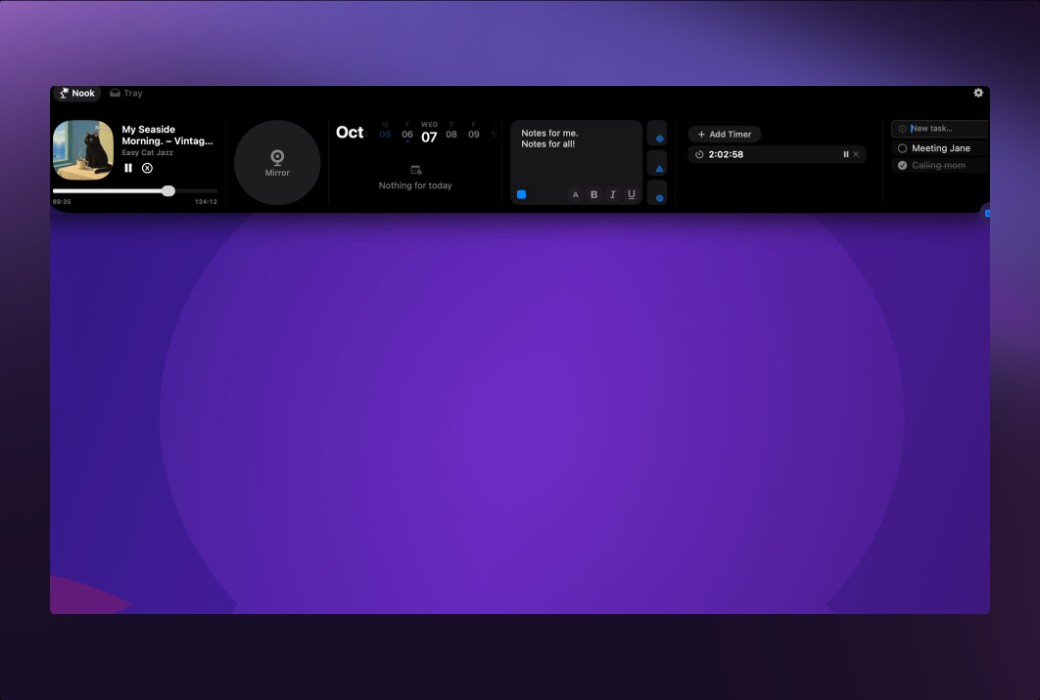
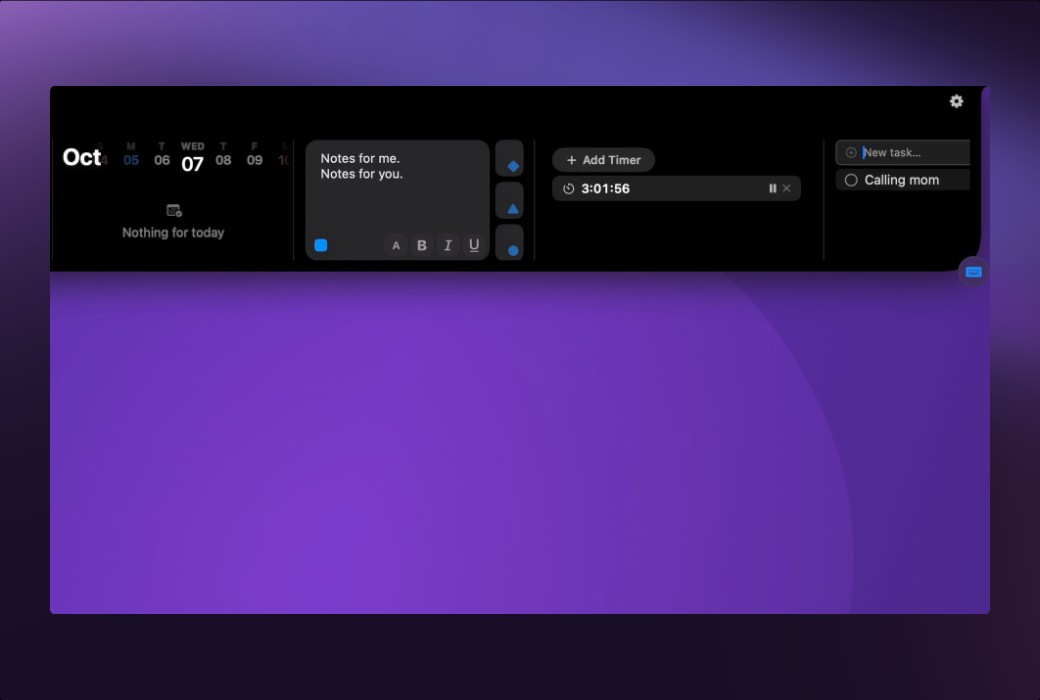
Access media controls, calendar events, shortcuts, and more - all from the top of your screen. NotchNook is able to temporarily store files and instantly preview the webcam, bringing a new level of functionality to your Mac and making daily tasks smoother and more efficient.
NotchNook function
Easy control of media
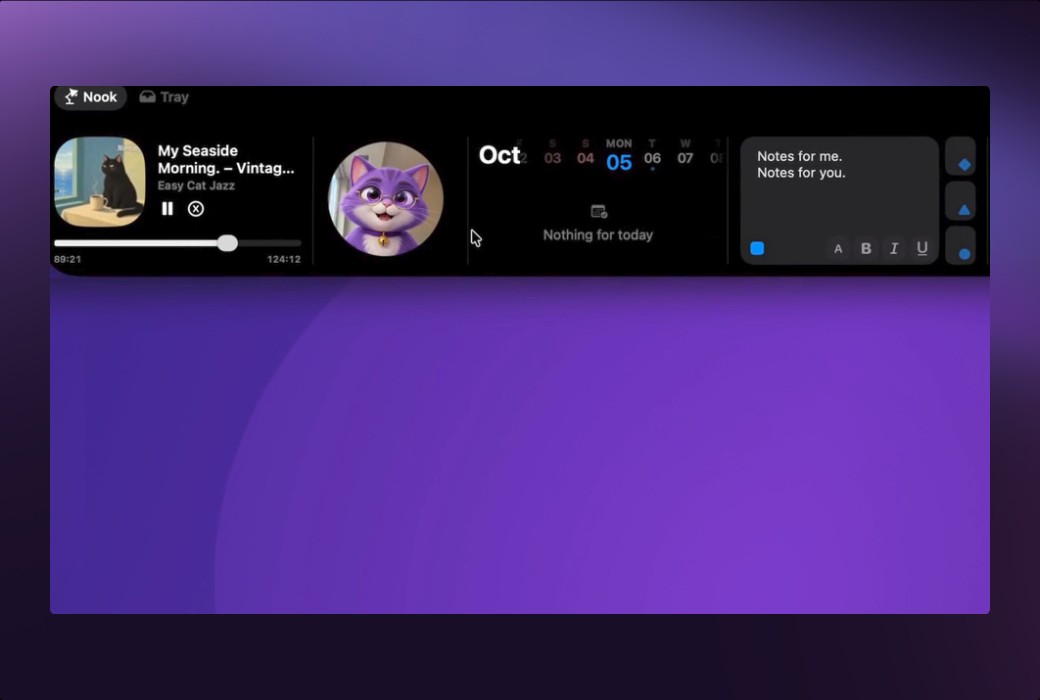
Just take a glance at the gaps on your Mac to manage your music. Enjoy dynamically displayed album illustrations and waveforms, making your media experience both practical and visually appealing.
View your calendar immediately
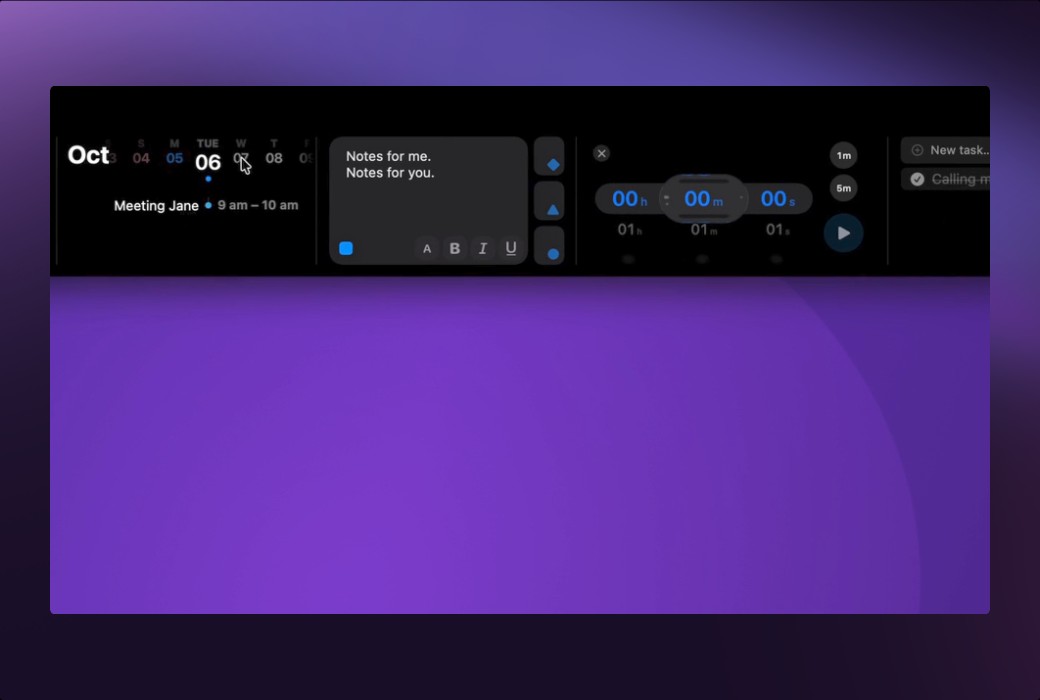
Track your schedule without opening the calendar application. NotchNook displays your calendar events directly in the gap, so you are always aware of the situation.
Storing and transferring files
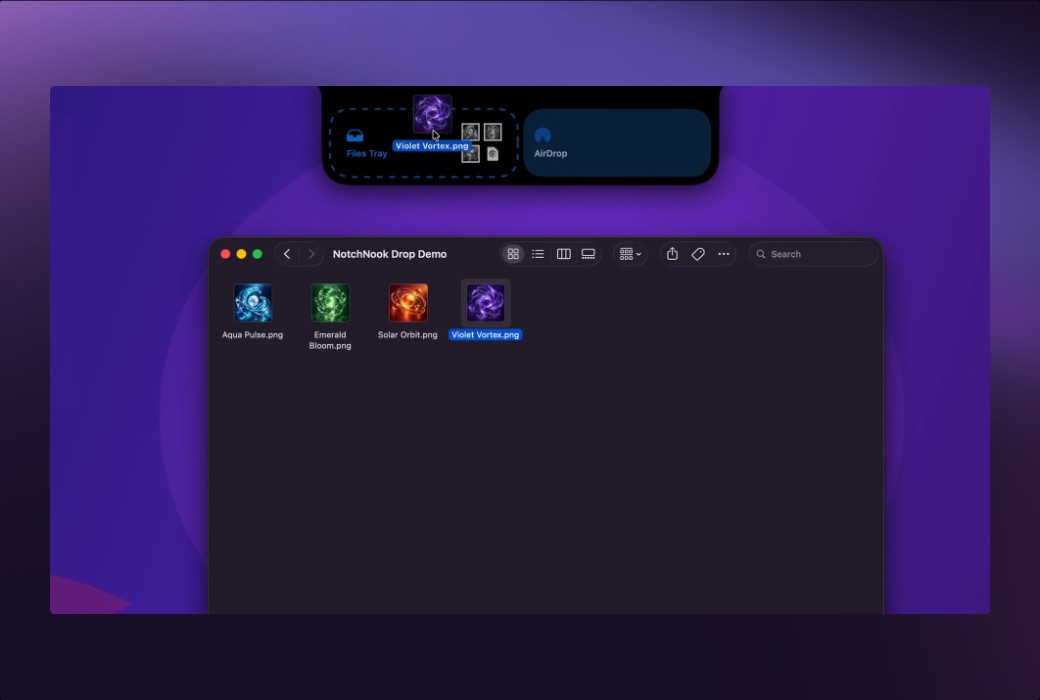
Use NotchNook as a temporary space for saving files. Drag and drop files onto the slot to store them in a tray, or quickly send them to another device through AirDrop.
Preview your webcam
With the Mirror widget, you can activate and preview your webcam with just one click. Whether you need to quickly check before a video call or just want to view the content in frames, NotchNook can make it easy for you.
Official Website:https://getnotchnook.com/
Download Center:https://notchnook.apsgo.cn
Delivery Time: Automatic delivery within 24 hours
Operating Platform: macOS
Interface Language: Supports Chinese interface display, with multiple languages available.
Update Instructions: The manufacturer promises lifetime updates and upgrades for one-time purchase.
Trial Before Purchase: Free trial available before purchase.
How to Receive Your Order: After purchase, the activation information will be sent to the email used for the order. You can also view the corresponding product activation code in your personal center, under "My Orders".
Number of Devices: To be confirmed...
Changing Computers: Uninstall on the original computer and activate on the new one.
Activation Guide:https://notchnook.apsgo.com/forum/3923
Special Instructions: Minimum system requirement: macOS 14.6 or later
References:https://getnotchnook.com/#plans

Any question